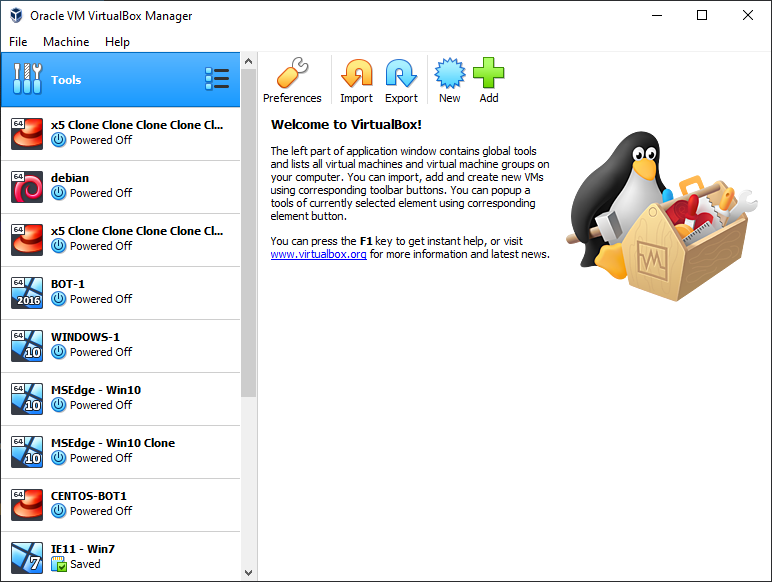
Virtual machines are usually the best option for isolation which you can can do locally on your own PC. It is similar to renting servers, but more suitable for beginners before they expand. There are several virtualization software tools to choose from:
Each of them has advantages and disadvantages. In this tutorial we will focus on VirtualBox since it is open source, works on any operating system and completely free. The only downside of VirtualBox is it is a little slower than the others but shouldn’t affect the bots too much.
Importing a virtual machine
Download VirtualBox for Windows here or the Mac version from here and install it. You can either create a new virtual machine and install the operating system yourself, or download a pre-configured virtual machine image. Windows 10 virtual machines are recommended to avoid OS detection as this may increase the risk of bans, but only slightly. You can download preconfigured Windows 10 virtual machines fromhere, no license is required.
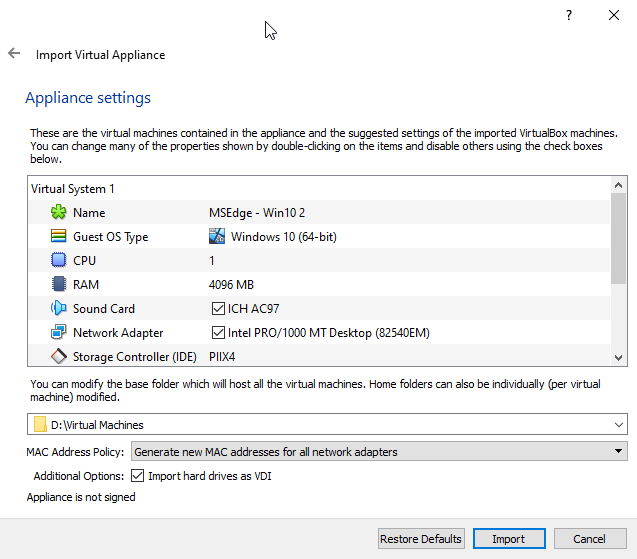
After you downloaded the virtual machine image and unarchived it, it’s time to import it. In the top left corner of VirtualBox interface, click File -> Import and enter the path to the downloaded file (.ova file).
Select a path on a drive where you have enough space since virtual machines require quite a bit of storage (20GB-40GB per machine usually), in this case I put them on D drive. Make sure you select the “Generate new MAC address for all network drivers” option to avoid profiling, and click Import. This will take some time.
Botting setup
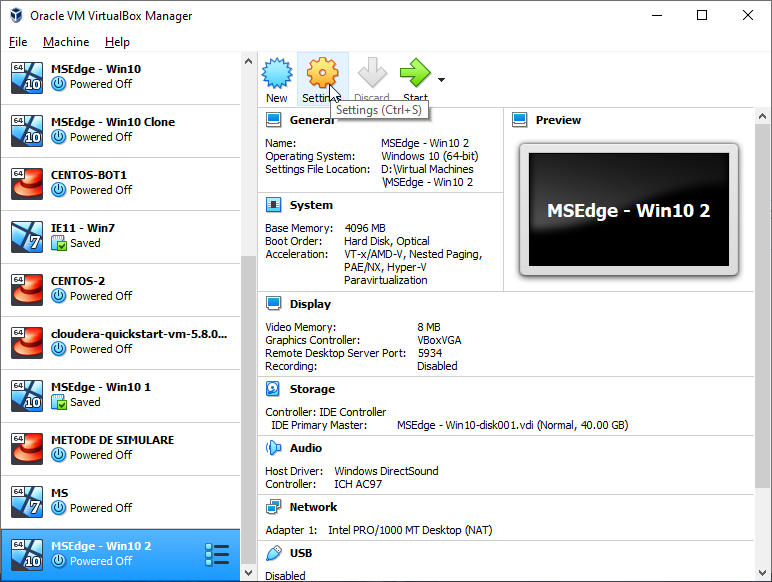
After the import is complete, select the virtual machine and go to settings. Go to Display tab and set the video memory to 128 MB. Next, go to System and make sure the “Network” is checkbox is ticked. Next, go to storage and make sure you have an optical drive, by default it’s possible to have only the storage, but you will need an optical drive in order to install guest additions later on. If you don’t have an optical drive, add it and select the guest additions image to be inserted. Finally, go to General, under Advanced tab and set both Shared Clipboard and Drag’n’Drop to “Bidirectional”.
Open the settings window
Set video memory
Enable network
Enable sharing options
Add an optical drive
Select guest additions image
Close the settings and start the virtual machine. If a password is required, use “Passw0rd!”. Now all that’s left to do is download the required botting tools. Start with installing Java as describedhere, then download OSBot. If you have any private/local scripts you can easily transfer them to the virtual machines by dragging the file into the virtual machine. For the Bot Manager, install Chrome browser. Finally, go to devices (top menu), and click insert guest additions. After that, open file explorer and navigate to the CD drive, and install the guest additions. This will require a reboot. Once it restarts, you should have a full-screen virtual machine.
The Windows 10 license is a trial and set to expire after 90 days. To avoid this, create a snapshot of the virtual machine which you can restore later. If it does expire, you can also setup a new virtual machine, since they are very easy to deploy. After you have installed Java and downloaded OSBot, and any additional things you may need for botting, you can clone the virtual machine as many times as you need and deploy 1-2 bots per virtual machine to properly isolate them.